Mar 11, 2026 • Cloudspace Chapter 1: Behind the Scenes
Cloudspace Chapter 1: Behind the Scenes
Posted on Mar 11, 2026, by sirkorgo
Cloudspace’s First Chapter is FINALLY out! After like… 2 or 3 months of announcing it? Even though it only took me a week to make. Yes, a lot of those 2 months were procrastination, but it took me forever to figure out a workflow that worked efficiently. So here’s the timeline of that!
Lore Writing & Storyboarding
Before I make anything, I wanted to write out some solid lore so things are consistent across chapters. I pulled out some journal that was in my bag, and well, started writing! This journal (which I’m still using as of writing this) has so far, ALL the lore in the Cloudspace universe.
I titled It “Cloudspace Lore Archive Vol. 1”, looking back it seems kinda dumb, 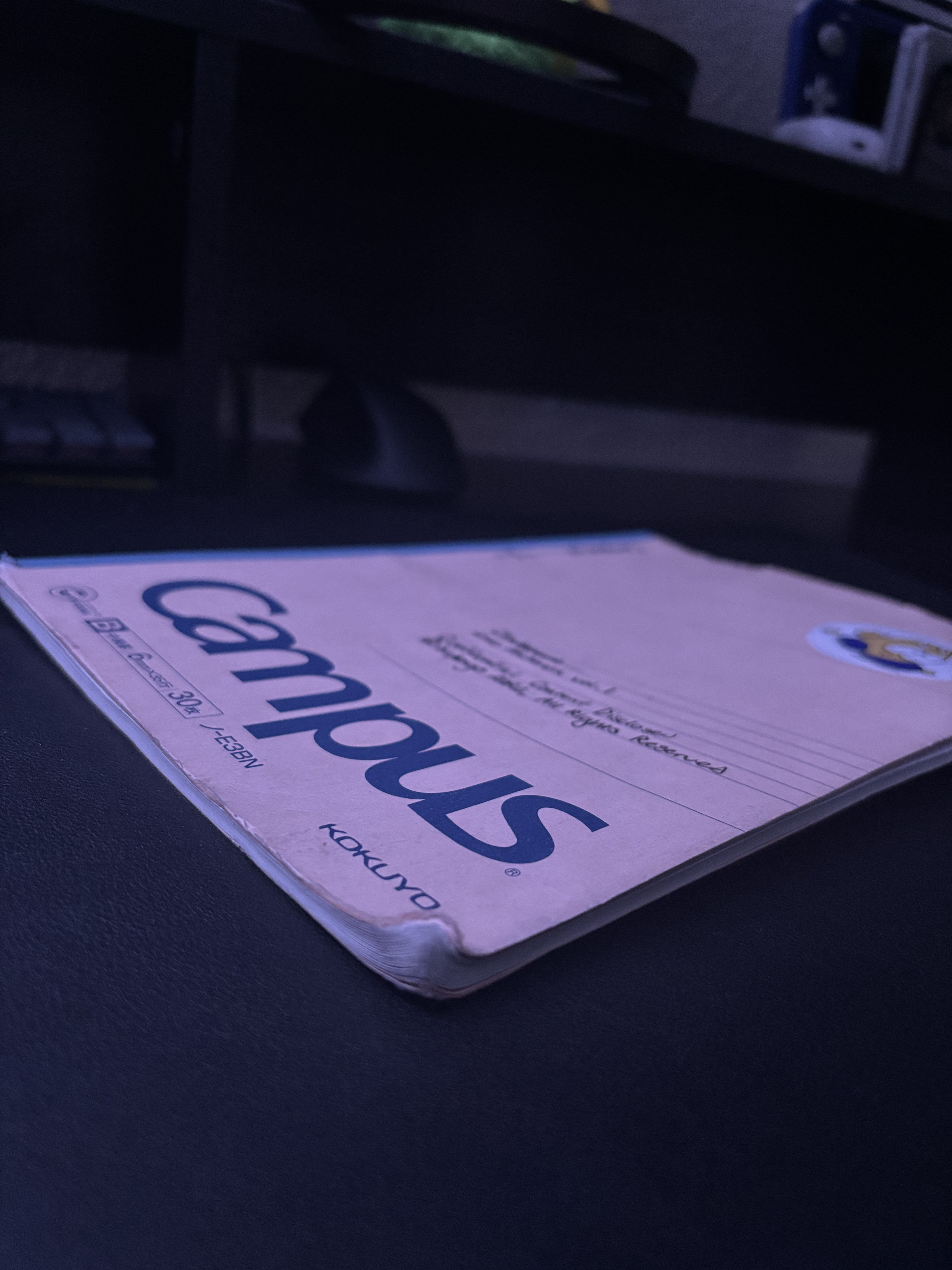 but it sounds eerie so… Yeah.
Once I got a decent amount of lore in, just started… sketching on a piece of paper in my Art class.
This storyboard/draft is three pages long. Notice how the one published on sirkorgo.com is… a single page with 9 frames?
This was why it took me so long to make Cloudspace. I just found it really daunting to have to render every individual frame in Procreate, put it into Affinity to add bubbles and lettering, and arrange the frames.
This original process was very inefficient and just felt too much for me, as I was drawing every frame on it’s own Procreate canvas. So my workflow looked like this:
Storyboard on Paper -> Draw Frame in Procreate -> Import Frame into Affinity -> Add Lettering & Arrange Frame
I had never used Affinity up until this point. I figured that since I’ve been using Photopea (a web clone of Photoshop that’s FREE), learning Affinity would be easy to use. I was Wrong. Everything had a different name and I couldn’t figure anything out.
Optimizing my Workflow
All this made working on Cloudspace more of a chore rather than fun.
I asked my good friend mjv2011 for some advice to making the art in Cloudspace. Ultimately, they told me I should just consolidate my frames down. At first I didn’t want to do that, but I look at the frames and a bunch of them are fluff. In the end, Chapter 1 went from 3 pages, to 1. Crazy difference, but I was pretty much still able to tell the full story.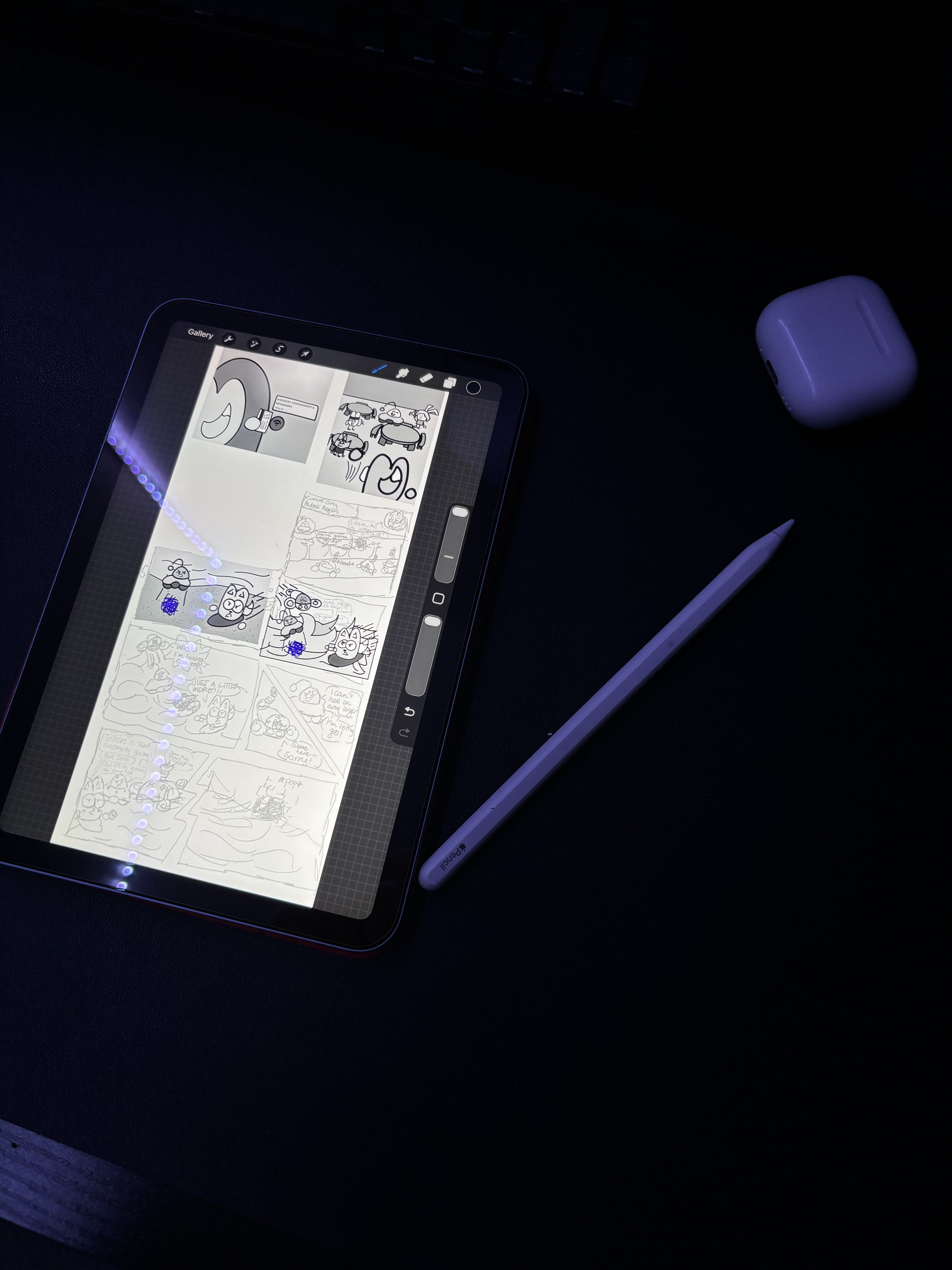
I also decided that I would just render the whole page in Procreate, export the final frames as flattened PNGs, and arrange, add bubbles and lettering in Figma, which I am MUCH more familiar with than Affinity.
Storyboarding (again) & Inking
With this workflow, I actually felt like working on Cloudspace again. I picked all the frames from my original storyboard, and resketched them in Procreate.
Now it’s time to make this actually look good. Up until now I’ve been using a pencil brush and the lines are REALLY sketchy. There wasn’t much to say about this, except for when I was finally finishing up.
Prior to this, I had no idea Procreate had a layer limit, and I probably should have realized that when undoing a change took I AM NOT KIDDING YOU, A WHOLE 5 SECONDS.
And it’s kinda ironic too, how I maxed out all my layers on the LAST frame. Isn’t that AMAZING?! So I made a copy of the original document, and deleted every frame up until the one I was working on.
Arranging and Lettering
There really isn’t much to talk about here. I just imported all the frames as flattened PNGs, arranged them, and added text bubbles from a Figma library I found intended for making comics. 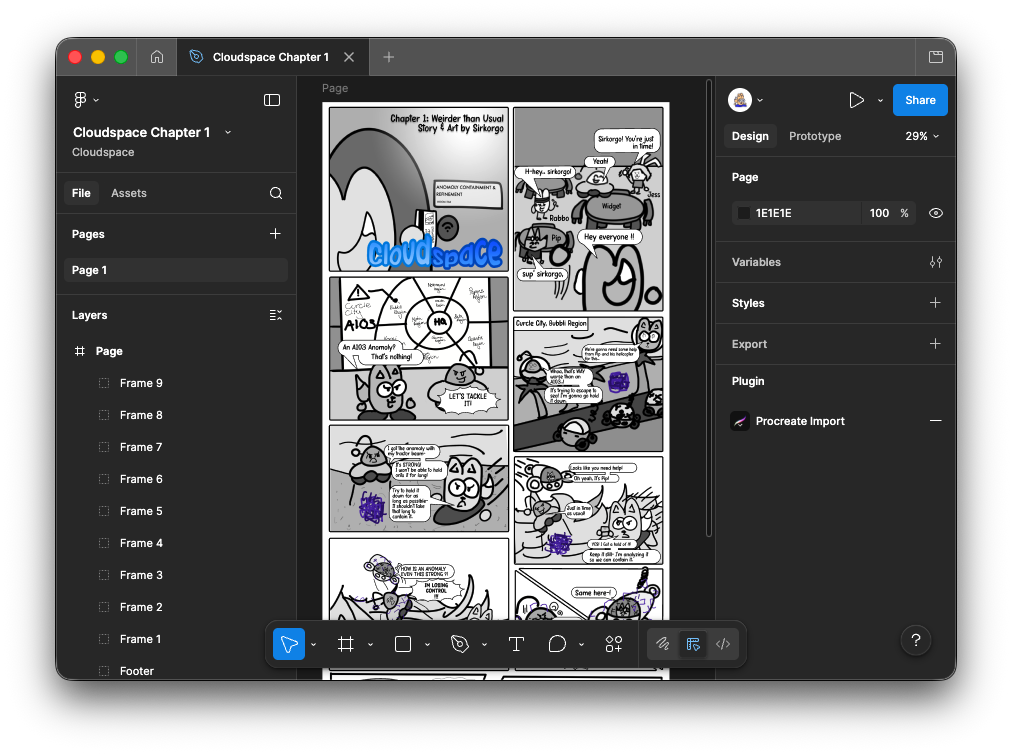
With that, Cloudspace Chapter 1 was FINALLY done! Despite it taking a whole 2 MONTHS, I only really spent like two weeks max on it.
That’s all from me,
see ya!—sirkorgo